
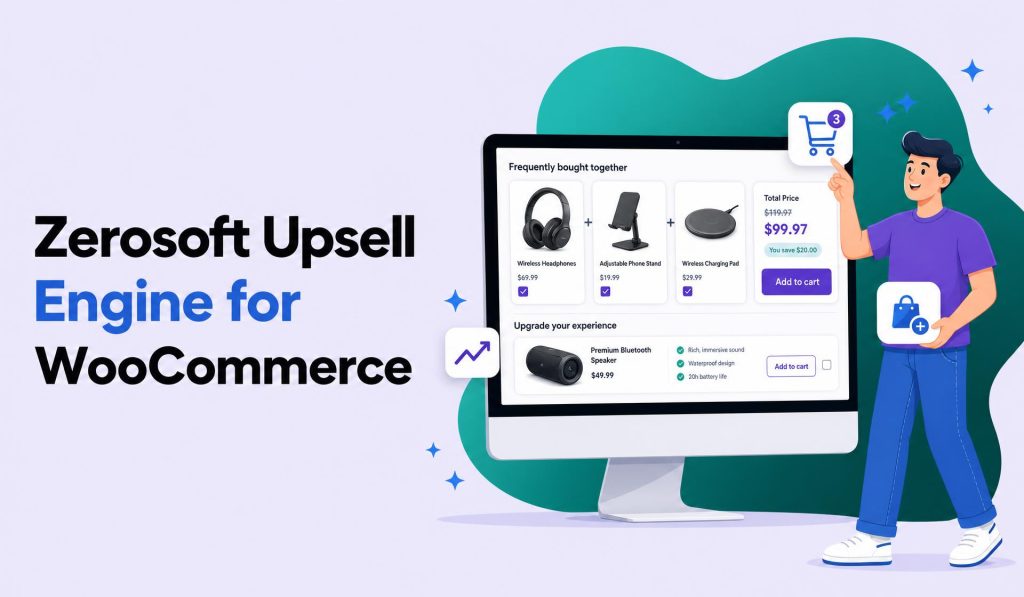
Regular License
$49.00
- Quality checked by ZeroSoft
- Future updates included
- 6 months support from ZeroSoft Tools
- Clean, documented code
Everything you need
Packed with features that make a real difference to your store
Rule-based upsell campaigns
Rule-based cross-sell campaigns
Smart product recommendations
Show offers on product & cart pages
Theme-adaptive frontend widgets
Analytics: impressions & clicks
Create upsell campaigns Pro
Create cross-sell campaigns Pro
Smart & manual product recommendations Pro
Show offers on checkout & thank-you pages Pro
Choose display positions / hooks in WooCommerce Pro
Trigger by product, category, cart total & purchase history Pro
Campaign priority control Pro
No-Code Admin Panel Pro
Free vs Pro
Start free, upgrade when you're ready
Free
₹0 forever
- Rule-based upsell campaigns
- Rule-based cross-sell campaigns
- Smart product recommendations
- Show offers on product & cart pages
- Theme-adaptive frontend widgets
- Analytics: impressions & clicks
Most Popular
Pro
$49.00 one-time
- Everything in Free
- Create upsell campaigns
- Create cross-sell campaigns
- Smart & manual product recommendations
- Show offers on checkout & thank-you pages
- Choose display positions / hooks in WooCommerce
- Trigger by product, category, cart total & purchase history
- Campaign priority control
- No-Code Admin Panel
Requirements
Make sure your server meets these before installing
WordPress
WordPress Requirement: WordPress 6.4+
PHP
PHP Requirement: PHP 7.4+
Installation
Up and running in under 2 minutes
1
Download
Download the plugin ZIP from this page or your account dashboard.
2
Upload
Go to WordPress Admin → Plugins → Add New → Upload Plugin.
3
Activate
Select the ZIP file and click Install Now, then Activate.
4
Configure
Find "Smart Upsell" in your WordPress admin sidebar. Create your first campaign, choose display positions, and set your trigger rules.
Frequently asked questions
Have more questions? Email us at info@zerosofttech.com
Yes. WooCommerce must be installed and active for the plugin to work.
No. The plugin inherits your theme's styling wherever possible so its frontend widgets blend into your active WooCommerce theme.
You can show offers on the product page, cart, checkout, and thank-you pages. Each position is independently toggleable from the admin panel.
Yes. Pro lets you trigger offers based on the product being viewed, its category or tag, the cart total, or the customer's purchase history.
The free version includes core upsell and cross-sell functionality. Upgrade to Pro for unlimited campaigns, advanced triggers, and checkout/thank-you page placements.
No. Everything is managed through a clean, no-code admin panel inside WordPress.

Ready to get started?
Join store owners already using Zerosoft Upsell Engine for WooCommerce